Open pile
A freestanding heap. Walk a full circle round it and everything is measured.
Stockpile is an iPhone app that measures gravel, sand, soil and mulch heaps as you walk round them. Volume, tonnes, contours and a 3D model, from the yard. No account, and your scans stay on your phone.
A tape and a guess.
A count of loader buckets.
A call to the surveyor that lands next week.
Stockpile swaps the guess for one slow lap.
Every yard has its own way of working out what is in the heap, and each one costs time or trust. Stockpile shows its working, and says what it did not see.
Find the ground, then walk a slow lap. The gauge fills as the pile does, and Finish unlocks when enough has been measured.
Volume, tonnes for your material and a plus-or-minus band, on the phone before you leave the yard.
A two-page PDF and a 3D model your customer can spin, out through your own mail. The points and surface are there for survey software too.
Screens show the app's demo scan.
Drag round the pile. Whatever you walk past turns green. The flat top stays red until you hold the phone high and walk it again, just like on site.
On a keyboard, click the pile and use the arrow keys.
The volume, its band and the pile from every side. Change a setting and the screen follows, as it does in the app.
Red is the flat top of the heap, which a walk round from the ground cannot see. It stays out of the total until a lap with the phone held high measures it. Drag the pile to turn it.
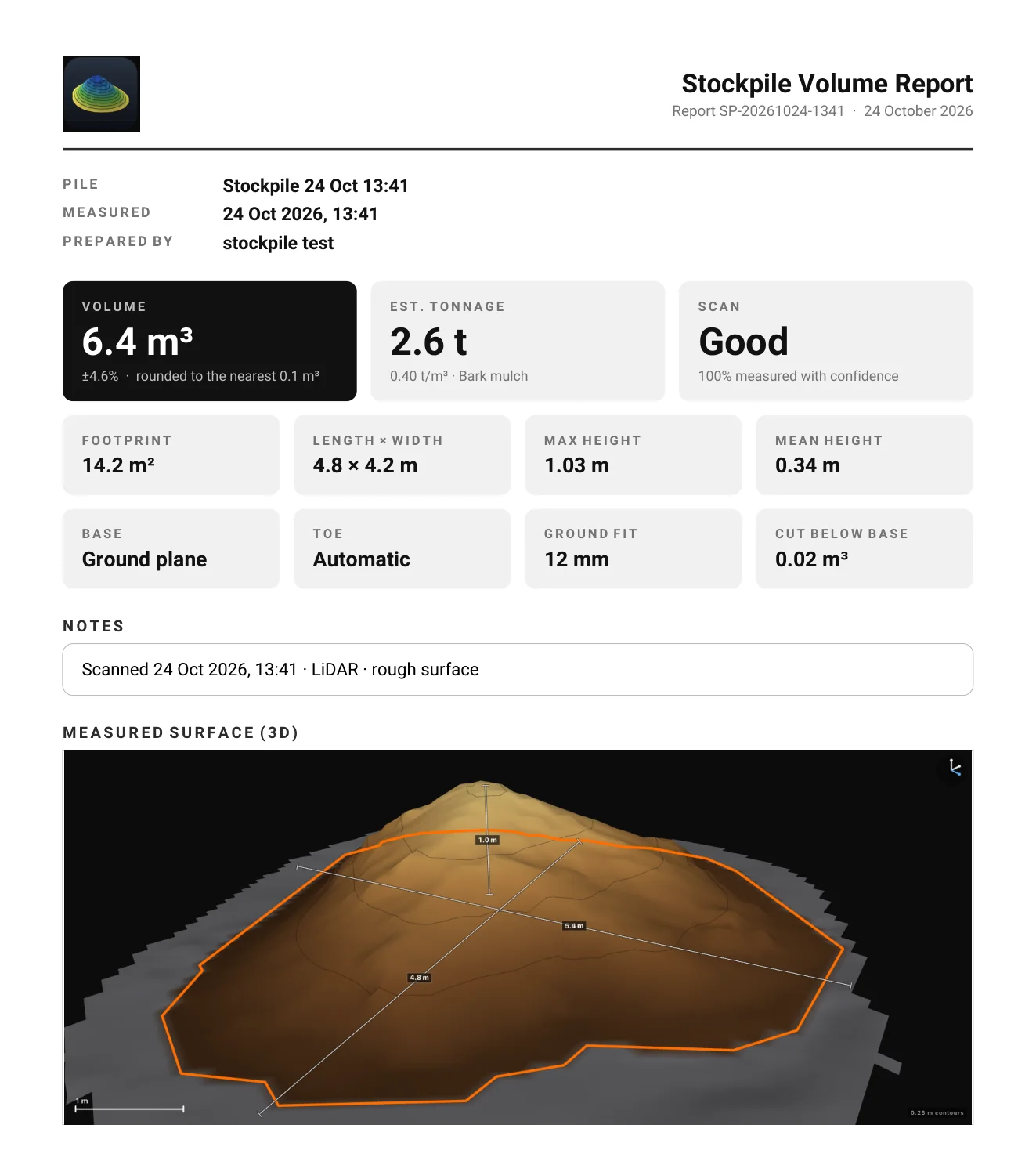
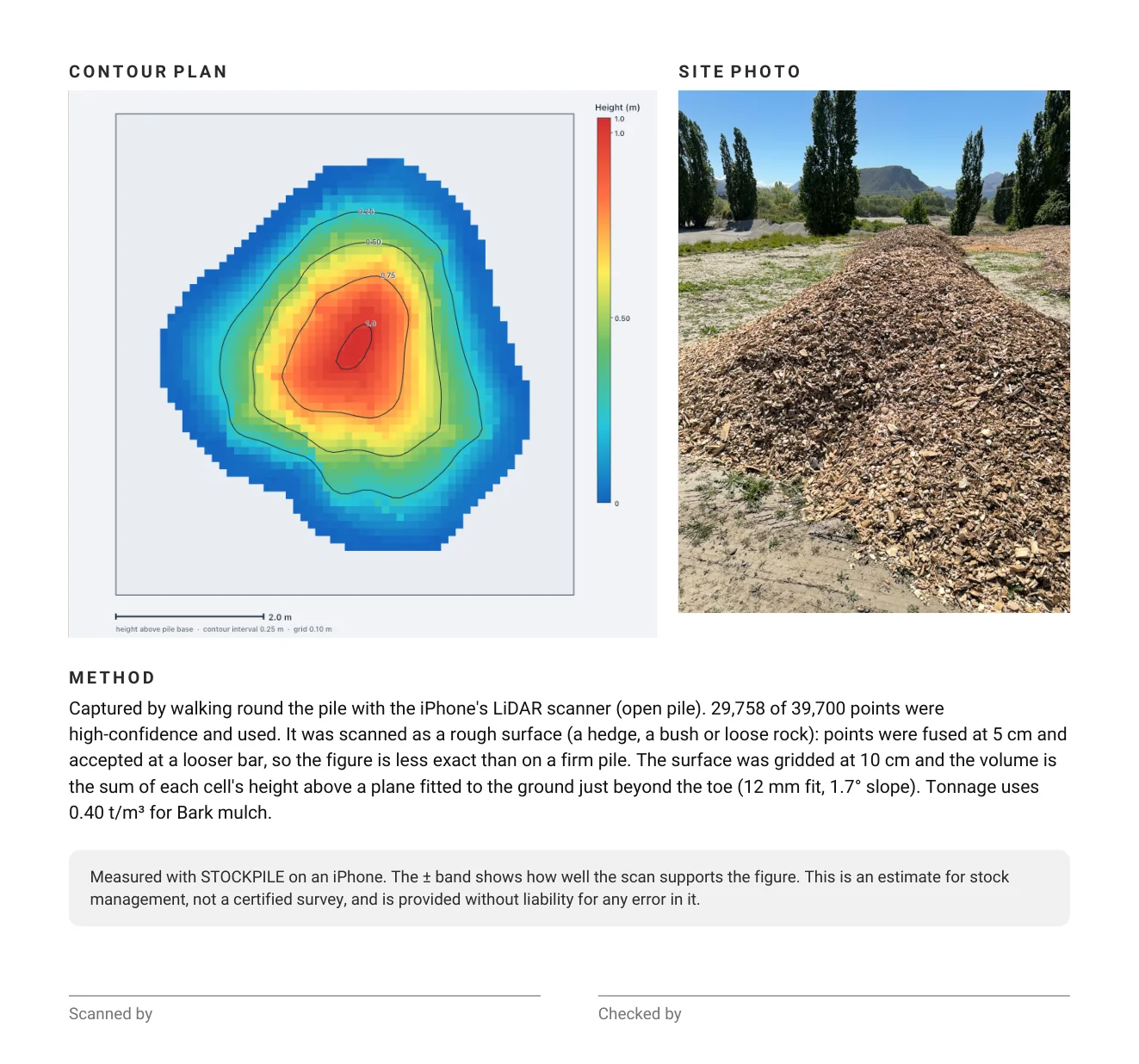
A real report from a scan of a bark mulch heap on 24 October 2026, exactly as the app produced it. Two pages, emailed from the yard.
The app finds the ground, and any walls, before it counts anything.
A freestanding heap. Walk a full circle round it and everything is measured.
Piled against a face. Scan from the open side. The app finds and locks the wall, then rebuilds the face you cannot reach.
Stacked where two walls meet. Both hidden faces are rebuilt to the corner line.
A back wall and two sides. All three hidden faces are rebuilt, and if a wall cannot be found confidently, the app warns you instead of guessing.
The share of the pile the scan actually saw, shown as measured cover on every result and in every report.
Faces behind a wall are rebuilt to the wall line, and the report says which method was used.
Anything the scan did not see is drawn red and left out of the volume. Never guessed in.
A scan that cannot support a volume says why instead of giving one.
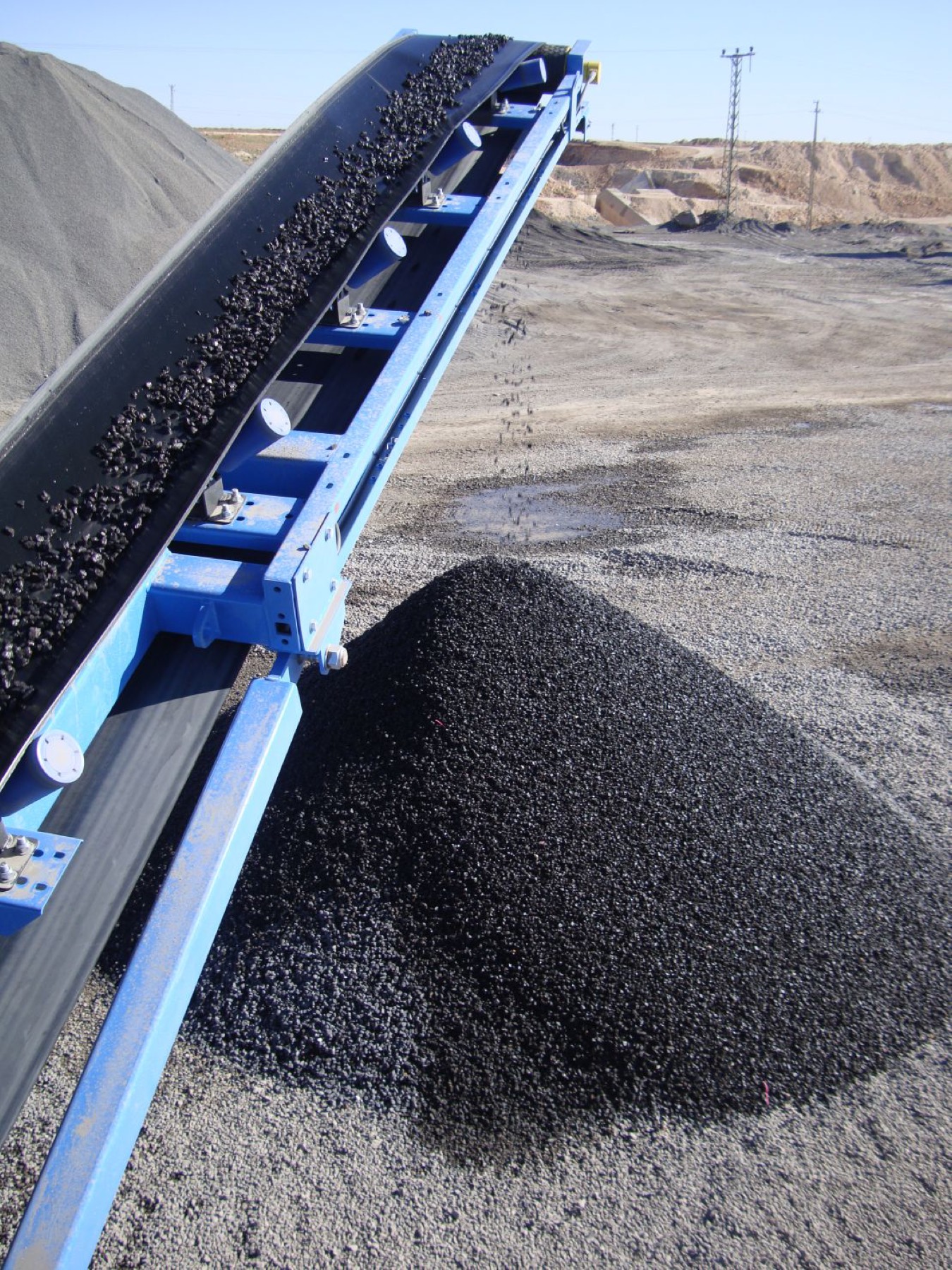
Sloping pads. The ground is fitted from a ring round the pile, so a fall across the yard is measured, not ignored.
Flat tops. A heap the loader has driven over is measured as it stands.
Walls and bays. The app finds the wall first and rebuilds the face you cannot walk.
No LiDAR. Other iPhones measure with the camera, with a wider band, and the app says so before you start.
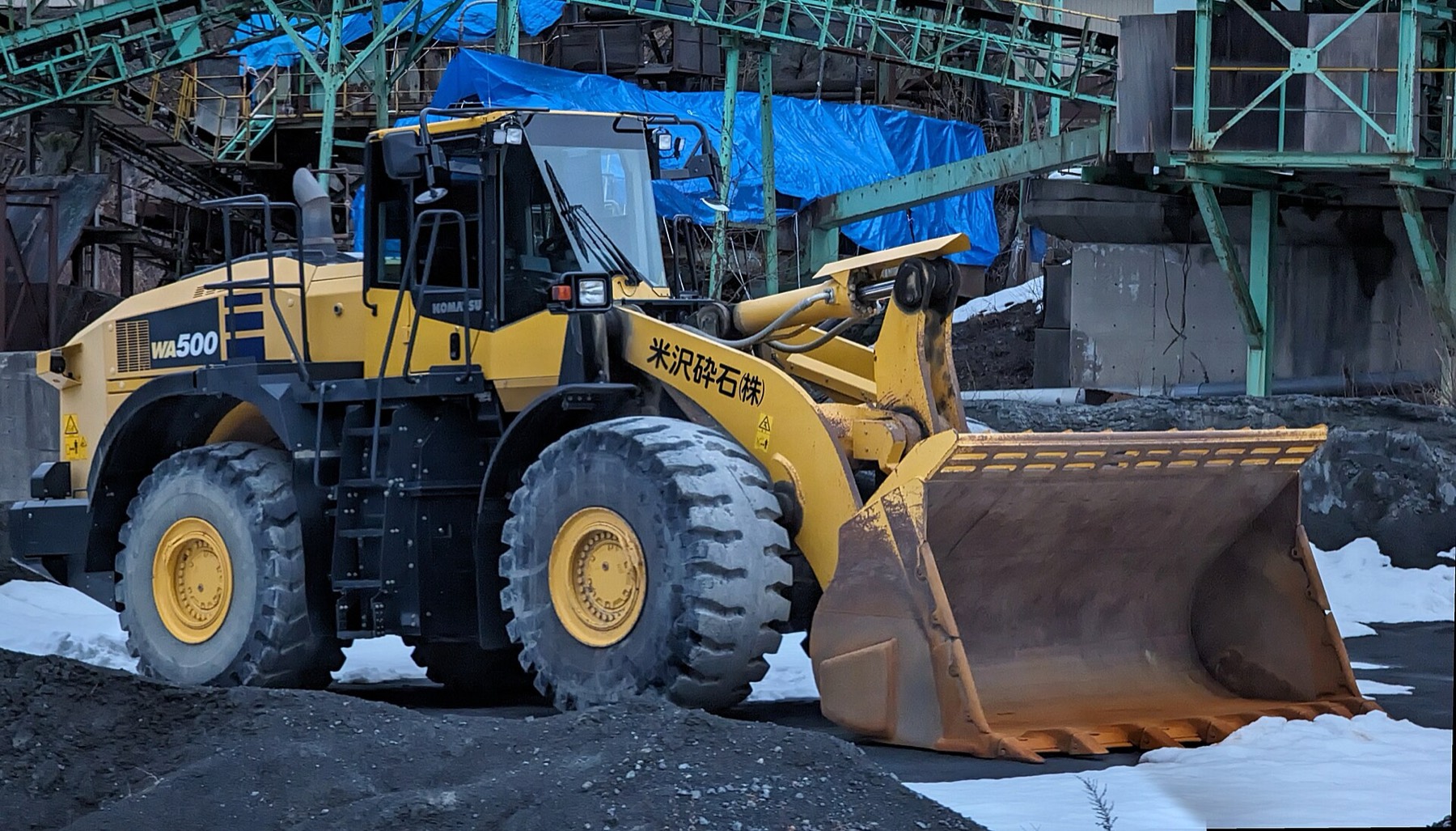
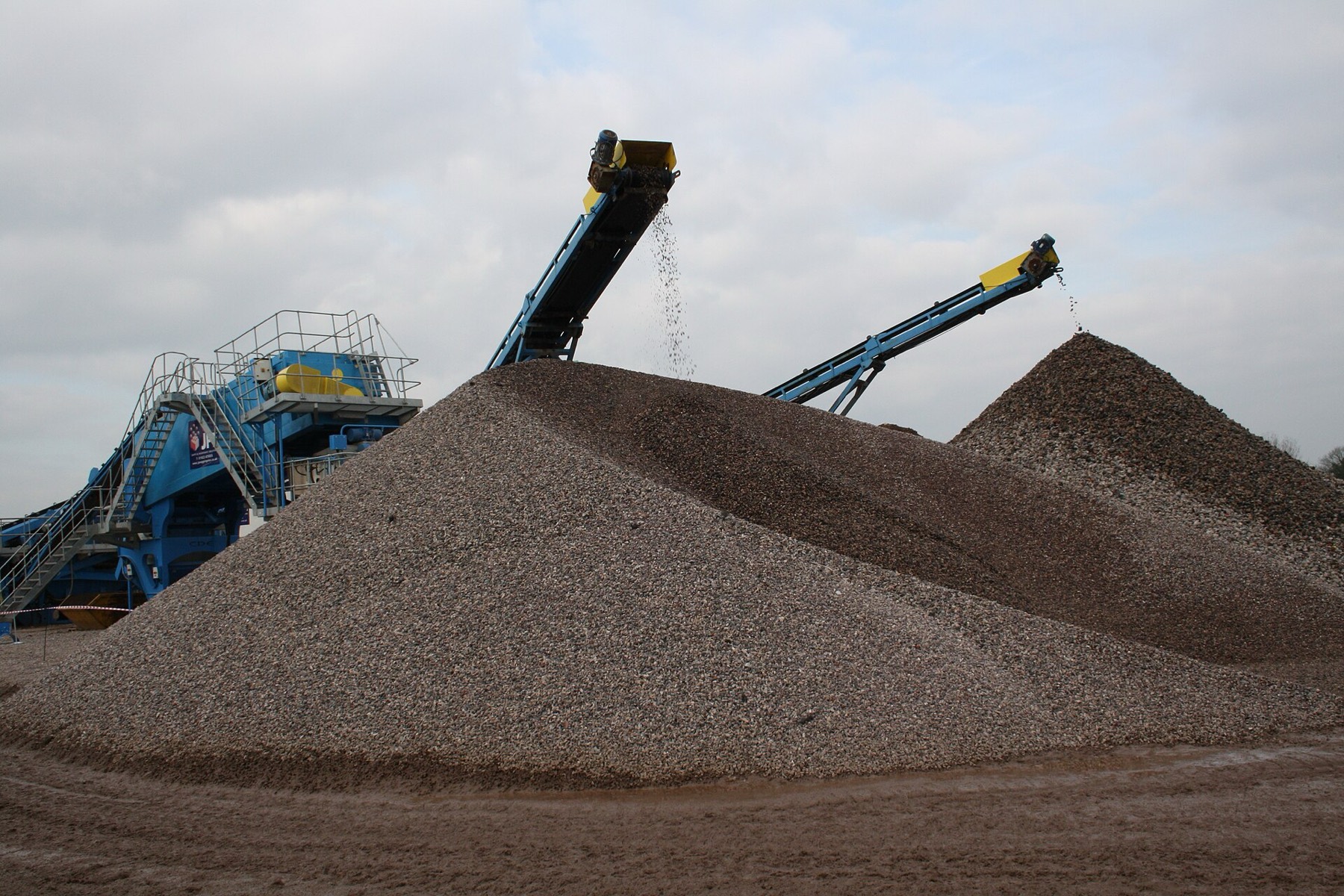
For anyone who orders, sells or moves material.
Stockpiled bulk densities in t/m³, from Caterpillar, Engineering ToolBox and CalRecycle tables. The right-hand figure is the 28.4 m³ demo pile in that material. Type in your own density, and weigh one truck if the tonnes have to be right.
You walk a slow lap with the phone. It uses the LiDAR scanner to build a cloud of points on the pile, fits the ground from a ring of ground round it, and works out the volume above that ground. You also get contours, plan and side views, and a 3D model.
iOS 17 or later. It is best on an iPhone with a LiDAR Scanner, which means iPhone 12 Pro or a later Pro model. Other iPhones measure with the camera: it works, with rougher figures and a wider band, and the app tells you before you start. It also runs on iPad. There is no Android version.
Every scan reports its own evidence: how much of the pile was measured, how well the ground fitted, and a plus-or-minus band worked out from both. There is no blanket figure, because a careful lap of a tidy heap and a hurried half-lap of a messy one are different jobs. A scan that cannot support a volume says why instead of giving one.
No. Stockpile gives indicative volumes for stock management. For volumes that money or contracts depend on, use a licensed surveyor.
Yes. There are four modes: open pile, against a wall, in a corner and in a bay. The app finds and locks the walls before you start, then rebuilds the faces you cannot walk. If it cannot find a wall confidently, it warns you instead of guessing.
The ground is fitted from a ring round the pile, so an even slope is handled, and every result shows how good the fit was. The toe, where the pile meets the ground, is traced for you and can be moved by hand on a plan view. Fill, cut and net volumes are given against the fitted ground.
One slow lap, and a second with the phone held high if the top needs it. The gauge tells you when enough of the pile has been measured, so the pile decides, not a timer.
You pick the material from a list of sixteen common ones, each with a typical stockpiled density, or type your own. Tonnes are volume times density. Moisture moves density, so for tonnes that have to be right, weigh one truck and use that.
A two-page PDF report, a .usdz 3D model for iPhone, iPad and Mac, a .glb for everything else, and the scan's points and surface for survey software. Group scans by project and client to email one project report with a spreadsheet of every pile.
Nowhere. They stay on your phone. There is no account, no analytics and no tracking. A report leaves only when you send it, through your own Mail, Gmail or Drive.
It is in final testing. Everything in the app is included, with no in-app purchases and no subscriptions. The App Store price is set at launch, and the waitlist hears first.
HelixInnovations, in New Zealand. Questions go to Stockpile.volume@gmail.com and a person answers.
Add your email and the pile you would measure first. You will be first to hear when Stockpile launches, and now and then we will send news about it. Every email has an unsubscribe link.
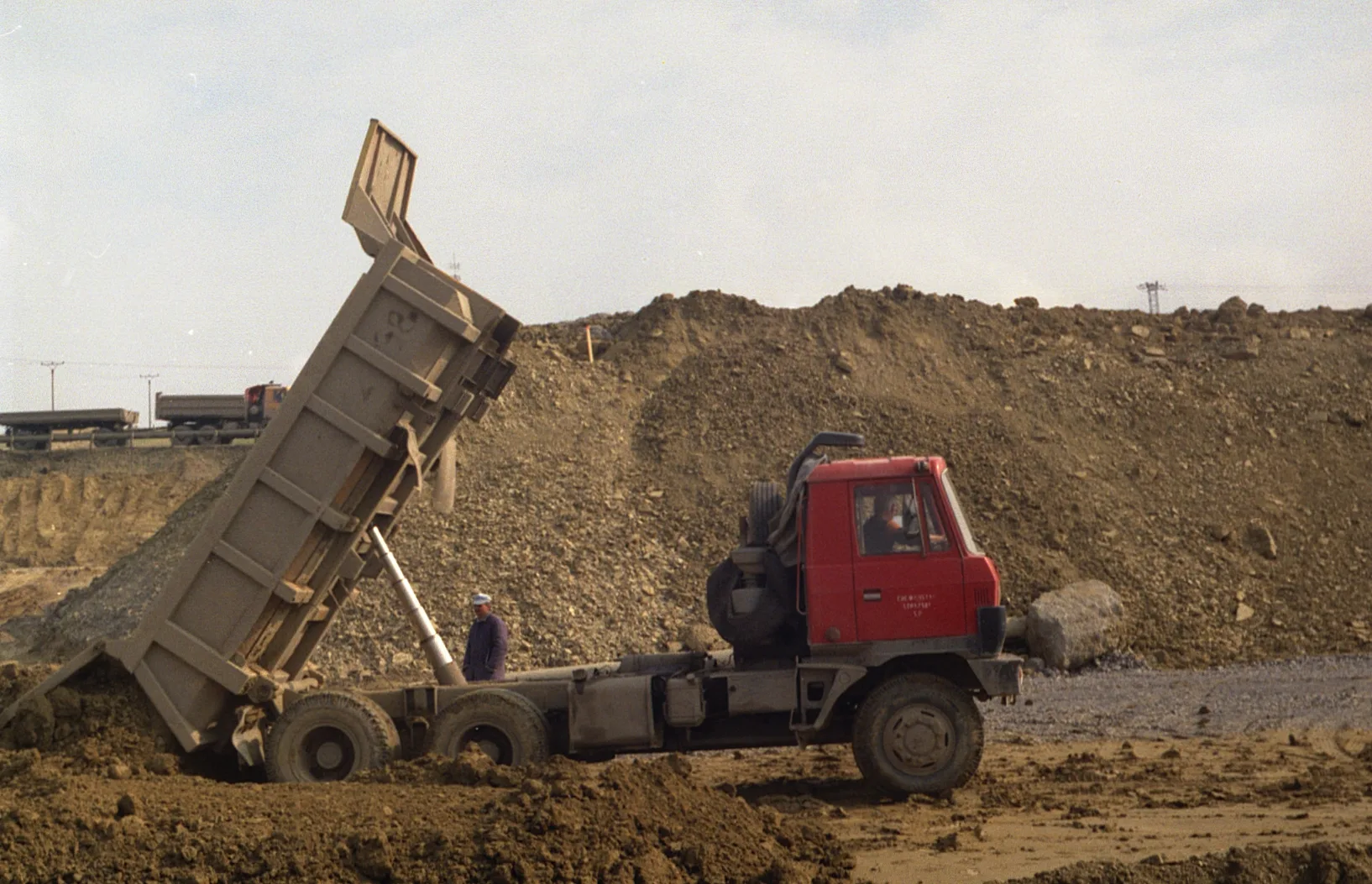
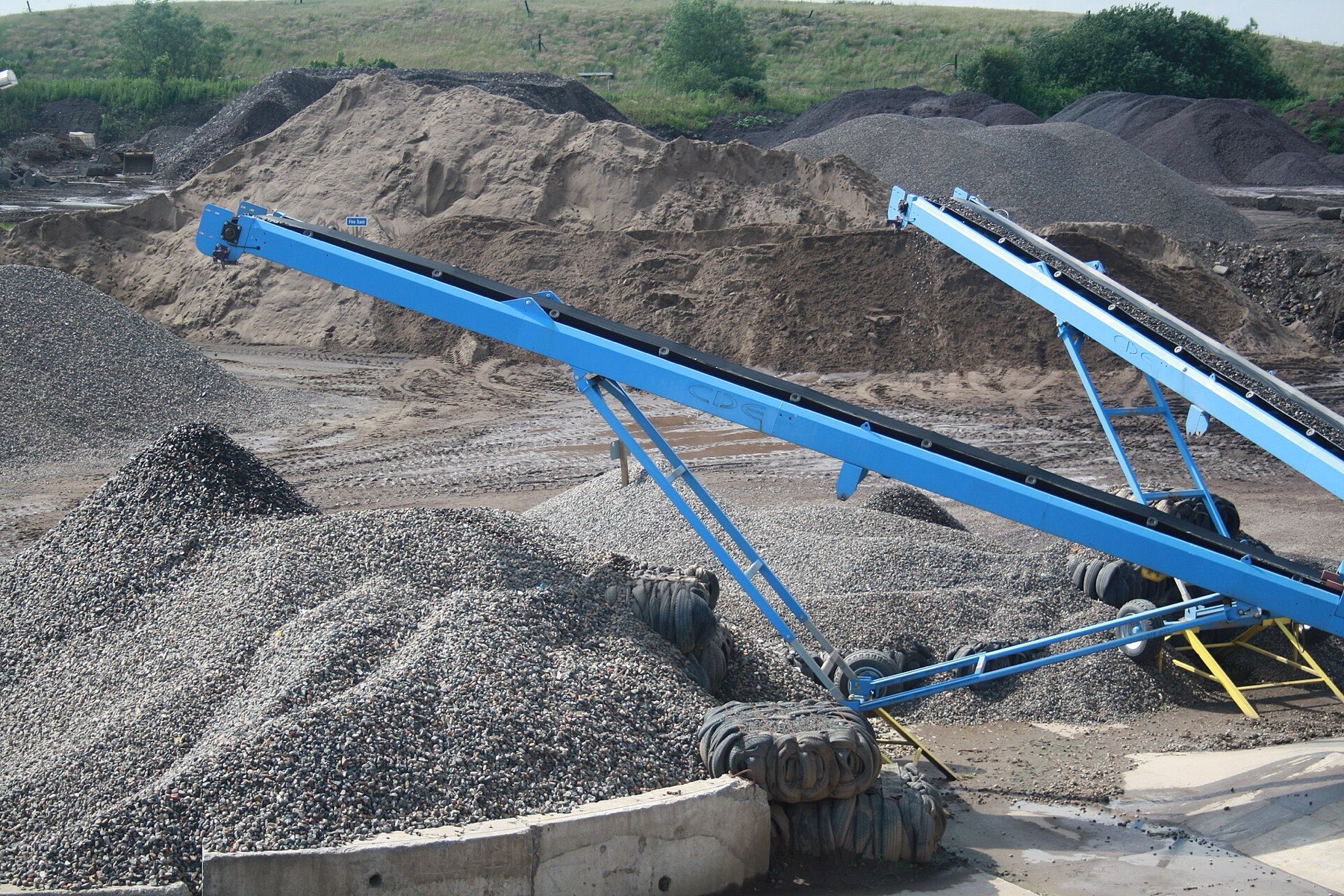
Photographs and video, from Wikimedia Commons: Malcolms aggregate stockpile conveyors, Washed aggregate stockpiles and Recycled aggregate stockpiles by Peter Craven, CC BY 2.0; Komatsu WA500 wheel loader by Syced, CC0; Excavator digging land and loading truck by KEmel49, CC BY-SA 4.0; tipper truck by Oto Zapletal, CC BY 4.0. They show the work, not Stockpile's customers. Photographs resized.
Stockpile gives indicative volumes for stock management. It is not a survey.